Head-to-head
Panda Video vs Vimeo
Pick Panda Video if you run VSLs or sell courses and want a conversion-focused player with real anti-piracy on flat, published pricing; pick Vimeo if you need dependable general-purpose hosting for a content library or brand video, not paid-traffic selling. If your VSL runs on cold paid traffic and you optimize on the actual sale, a dedicated attribution player like TrackPlay is the sharper tool for that one job.
Quick answer
Pick Panda Video if you run VSLs or sell courses and want a conversion-focused player with real anti-piracy on flat, published pricing; pick Vimeo if you need dependable general-purpose hosting for a content library or brand video, not paid-traffic selling. If your VSL runs on cold paid traffic and you optimize on the actual sale, a dedicated attribution player like TrackPlay is the sharper tool for that one job.
| Panda Video | Vimeo | |
|---|---|---|
| Best for | Courses + VSL | General hosting |
| From | $17.90/mo | See vimeo.com |
| Billing | Flat + bandwidth | Subscription |
| Free plan | 14-day trial | Free tier |
| Sale attribution | Tracking pixels | None |
Where Panda Video pulls ahead
What works
- Real VSL features (Smart Autoplay, A/B tests, a dummy progress bar, tracking pixels, a video funnel) sit alongside the strongest anti-piracy in this set: DRM, watermarking and anti-download.
- It runs on an AWS content network for fast global delivery, and imports from Vimeo in minutes with a Chrome extension.
- AI tooling is deep for course sellers, with an in-video tutor and dubbing into more than 30 languages.
What to watch
- Its pixels fire from the browser and it reports inside its own dashboard, so it stops at conversion tracking. It does not post the cart-verified sale back to the ad platforms server-side the way a dedicated attribution player does.
- It serves courses and affiliates as much as VSLs, so its conversion analytics are lighter than a dedicated direct-response player's, and its metered bandwidth can run up overages on a long VSL served to heavy cold traffic.
What you are actually choosing between
This is not two tools in the same category. Panda Video is a conversion-focused host with a real VSL player and heavy anti-piracy, popular with course sellers and affiliate marketers. Vimeo is a general-purpose video host and creation suite built for content libraries and brand video. They both store your video and play it back, and there the overlap mostly ends.
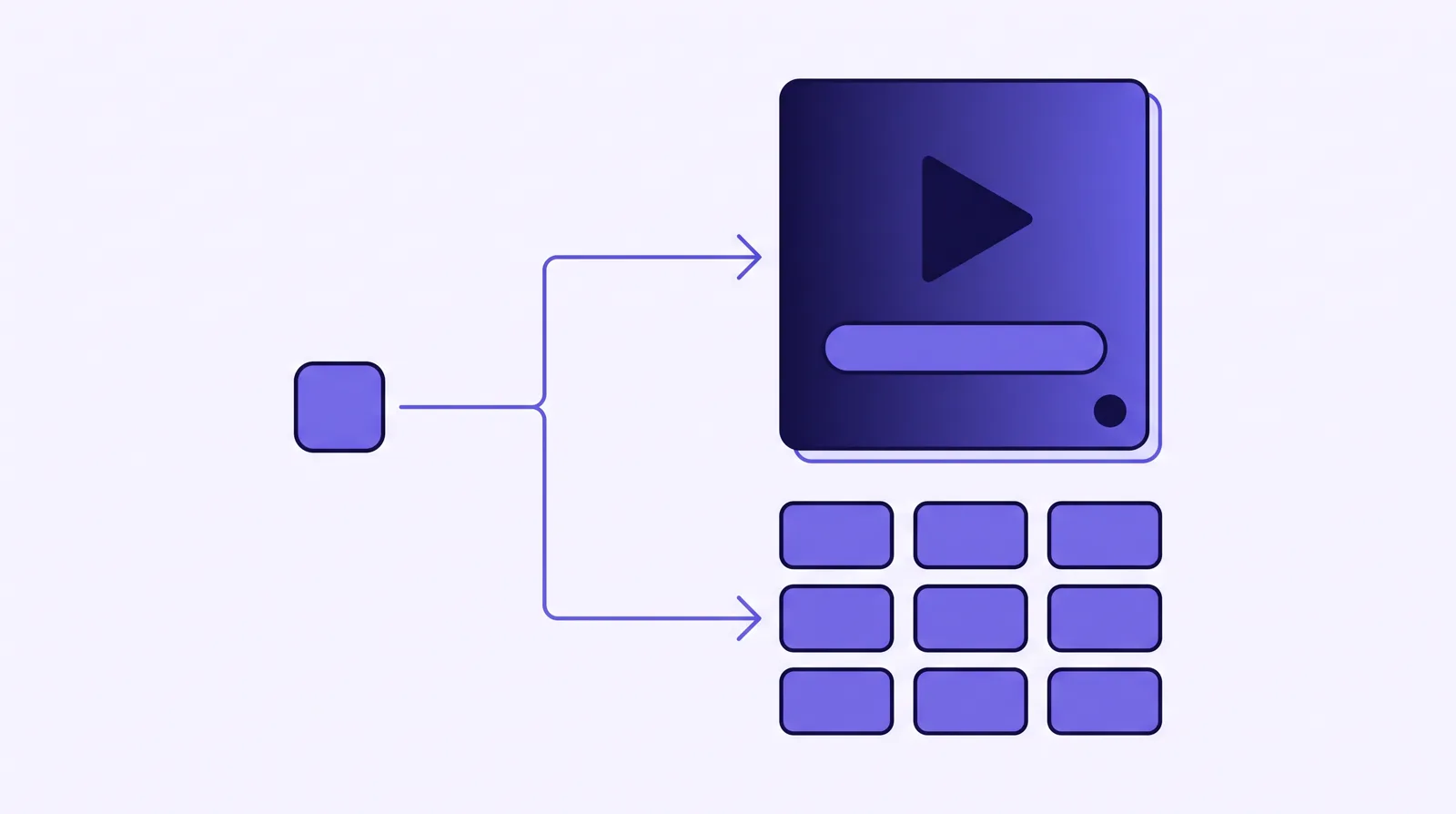
So the honest question is not which is the better host in the abstract. It is what your video has to do. If it sells on a landing page to paid traffic, you want the player and the pixels. If it lives in a library, an about page or a course you already sell elsewhere, you want reliable hosting and a clean player. Answer that first and most of the decision is made.
The player and VSL features
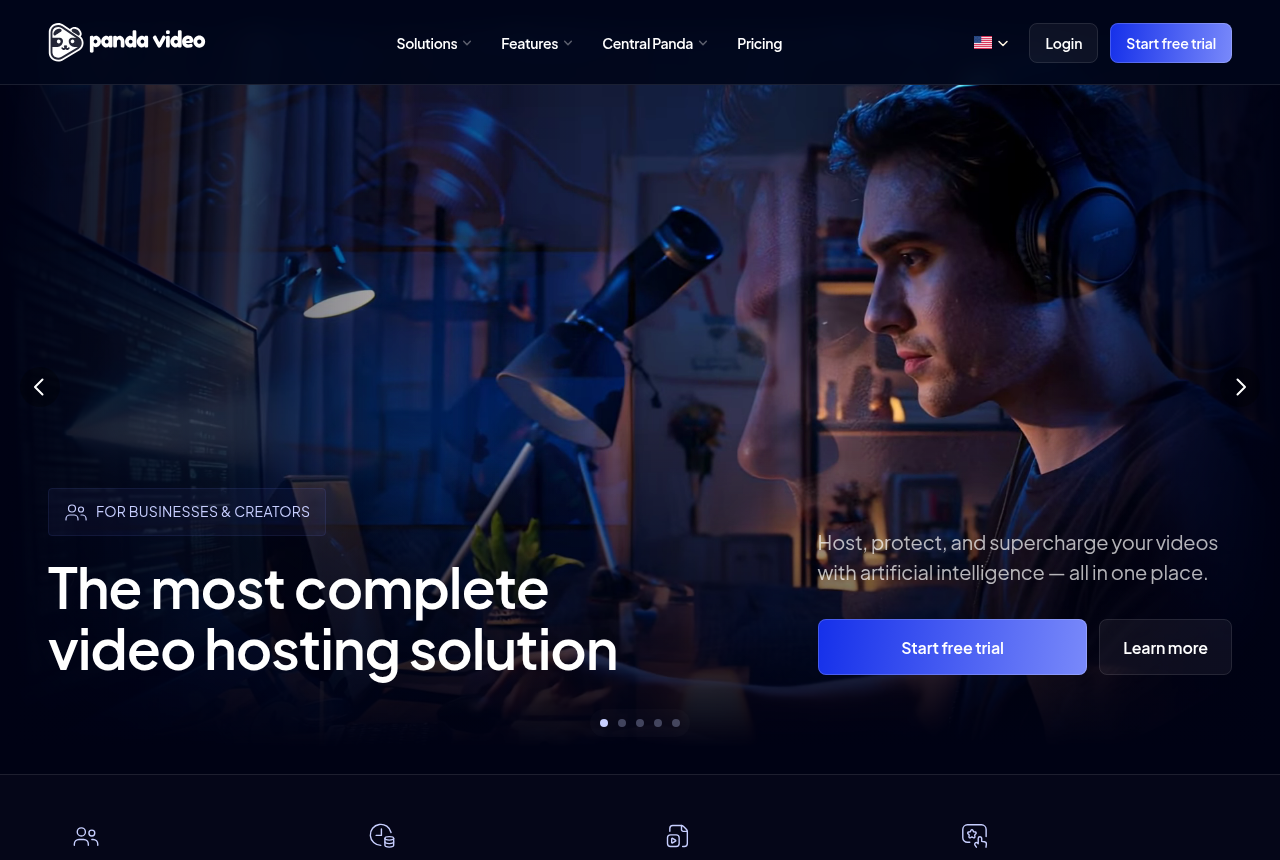
Panda Video's VSL player is the reason it turns up on sales pages. It has sound-first Smart Autoplay, a dummy progress bar that fills fast early so a long pitch feels short, CTA buttons that appear on a timed cue, a video funnel that chains clips, and tracking-pixel integrations for Meta and Google. Its own VSL page headlines a 40% conversion lift. Treat that as a vendor claim rather than a measured result, but the toolset behind it is real and it is aimed squarely at direct response.
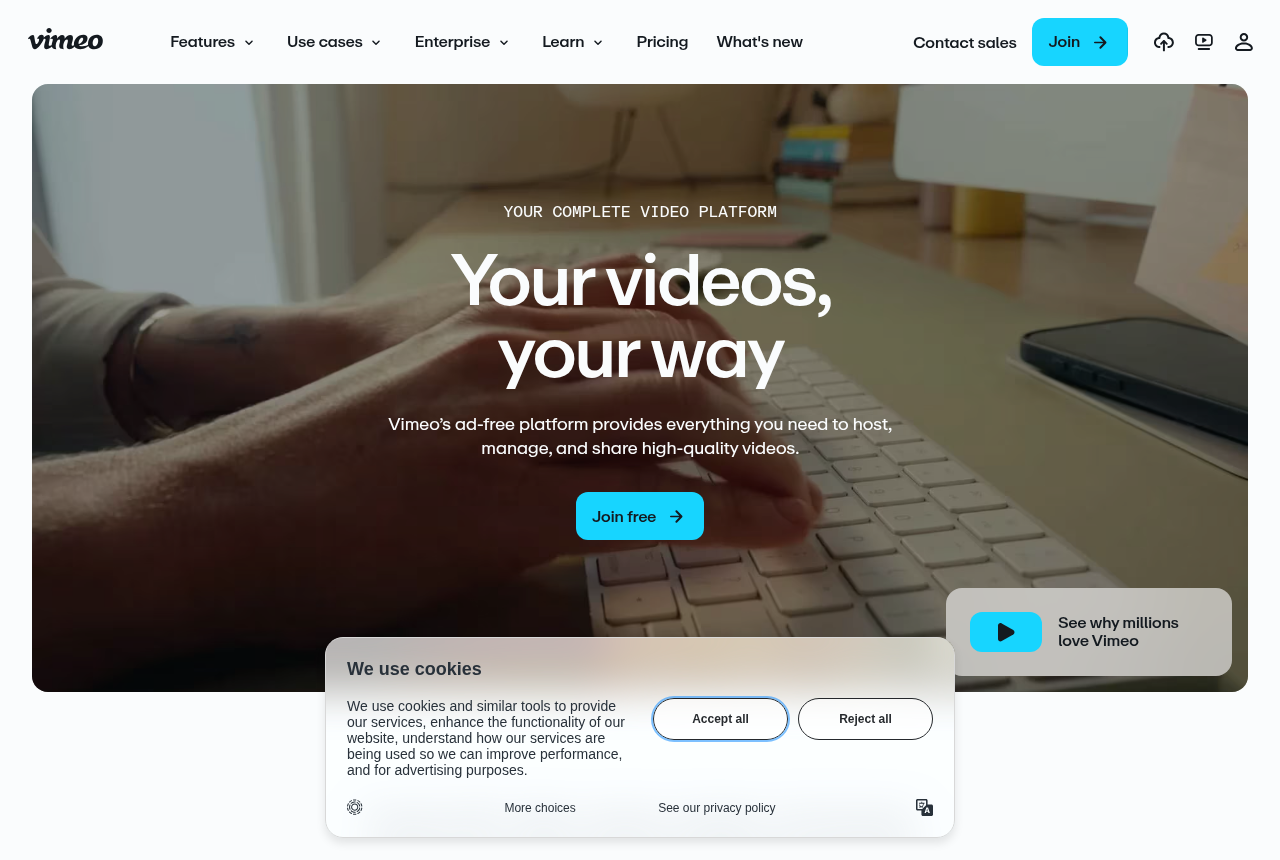
Vimeo's player is polished and dependable, and its wider product is broad: an editor, auto-captioning, a video library, live streaming, virtual events and webinar tooling. What it does not carry is a VSL toolset. There is no sound-first conversion autoplay, no timed CTA layer built for a sales page, and no retention view that splits buyers from non-buyers. Those are not gaps Vimeo is trying to fill, because a sales page is not who it is for.
Security, delivery and migration
Anti-piracy is where Panda Video pulls clearly ahead, and it matters most to course and offer owners whose whole product is the video. Panda offers DRM, a visible watermark, anti-download and allowed-domain locking, so a paid course is harder to rip and re-host. It runs on an AWS content network for fast global delivery, and it imports a Vimeo library in minutes with a Chrome extension, which is one reason people leave Vimeo for it. Vimeo has privacy controls and domain-level embedding restrictions, but it is not pitched as a DRM-grade vault, and its protection sits on higher tiers.
On raw delivery both are fast and reliable. If your only need is a video that loads cleanly on a marketing page, either will do that job. The separation is in what surrounds the file: Panda wraps it in selling and protection, Vimeo wraps it in creation and distribution.
Pricing: plans and bandwidth
Panda Video publishes flat plans with metered bandwidth on top. Bronze is $17.90 a month for 200GB of storage and 500GB of bandwidth on one user. Silver is $37.90 for 512GB and 1TB across two users. Gold is $97.90 for 1TB and 4TB across ten users, and folds in anti-download and the AI generation at no extra charge. Extra bandwidth is $0.03 a GB and extra storage $0.06 a GB, and there is a 14-day trial. A long VSL served to heavy cold traffic burns bandwidth quickly, so count your own numbers before you assume a tier holds.
Vimeo sells general subscription tiers. Its pricing page renders its numbers in the browser and returned none to us, so we will not print a figure we did not read on its own page. What matters editorially is what those plans buy: general hosting, a clean player, a library, an editor and webinar tooling, with bandwidth caps that direct-response users regularly report watching. None of that is a VSL conversion toolset. Prices checked September 2026.
Where a dedicated attribution player fits
There is a third option that belongs on this page for one specific reader: the paid-traffic seller who optimizes on the sale itself. Panda and Vimeo both stop inside their own dashboard. Panda fires tracking pixels from the browser and reports its own analytics; Vimeo reports plays and engagement. Neither ties the actual, cart-verified purchase back onto the individual play that earned it and posts that conversion to the ad platform server-side. That is the job TrackPlay is built for.
TrackPlay is a VSL player and analytics platform for paid-traffic funnels. Its lead job is attribution: when the sale happens, the cart posts the verified purchase back onto the play that earned it, server to server, from seven direct-response carts including ClickBank, ClickFunnels and Kiwify, and TrackPlay fires that conversion server-side to Meta, TikTok and GA4 on the watch-time milestone you choose. Around that it runs the same class of player as Panda, with sound-first autoplay and timed CTAs, and it draws per-second retention split into buyers and non-buyers alongside revenue per play. It bills on plays rather than bandwidth, every feature ships on every paid plan, and there is a free plan of 1,000 plays a month with no card.
It is narrow by design. It is built for paid-traffic VSL conversion, not for general hosting or a B2B content library, so it has none of the channels, SEO pages or webinar tooling of a Wistia or a Vimeo, and it is a poor fit if the video's job is content marketing rather than a direct-response sale. That narrowness is the trade that buys the sale-level attribution in the first place, and for a cold-traffic VSL you still get the full player, the buyers-versus-non-buyers retention and the postbacks it is built around. It is also very new, with little third-party review footprint yet and invite-only signup, so you cannot lean on outside proof before you commit paid traffic. That is what you would expect of a platform this recent, and the free plan lets you judge it on your own numbers first.
Which one for you
Pick Panda Video if you run VSLs or sell courses and want a conversion-focused player with a dummy progress bar, timed CTAs and tracking pixels, backed by DRM and anti-download, on flat pricing you can read before you sign up. It is the stronger sales-and-security host of the two by a wide margin.
Pick Vimeo if the video's job is a content library, an about page, a webinar or brand video rather than a paid-traffic sale. Its player and creation suite are dependable and broad, and none of Panda's selling features earn their keep when there is nothing to sell on the page.
Pick a dedicated attribution player like TrackPlay if you run cold paid traffic to a VSL and you buy media on the sale. When you need the cart-verified conversion posted back to Meta, TikTok and GA4 server-side, and retention split by who actually bought, it does a job neither Panda nor Vimeo attempts. If your video is not a direct-response sale, it is not the tool, and one of the other two is the better call.
Our pick
Panda Video
Panda Video is the pick if you sell courses or run affiliate offers and want VSL features with serious anti-piracy.
Frequently asked questions
Is Panda Video or Vimeo better for a VSL?
How much does Panda Video cost?
Does Vimeo have VSL features like autoplay with sound and timed CTAs?
Can I move my videos from Vimeo to Panda Video?
Sources
The vendors' own pages
- Panda Video pricing
- Panda Video VSL player
- Panda vs Vimeo (Panda's own page)
- Vimeo pricing plans
- Vimeo video hosting
Other sources
Related reading

Written by
Mara Vance
Editor
Mara edits the reviews and roundups on VSL Host Report. She looks at how a video player behaves on cold paid traffic: autoplay and unmute behaviour, per-second retention, timed CTAs, lead gates and load speed. She also maps what each host really costs, whether it bills per play, per gigabyte or per seat, and rebuilds the monthly bill for a typical VSL funnel. For each piece she reads long-term user reports across forums and review sites, works through the vendor's own docs and pricing, and confirms the numbers before a verdict goes live.
Last checked 2026-09-29